

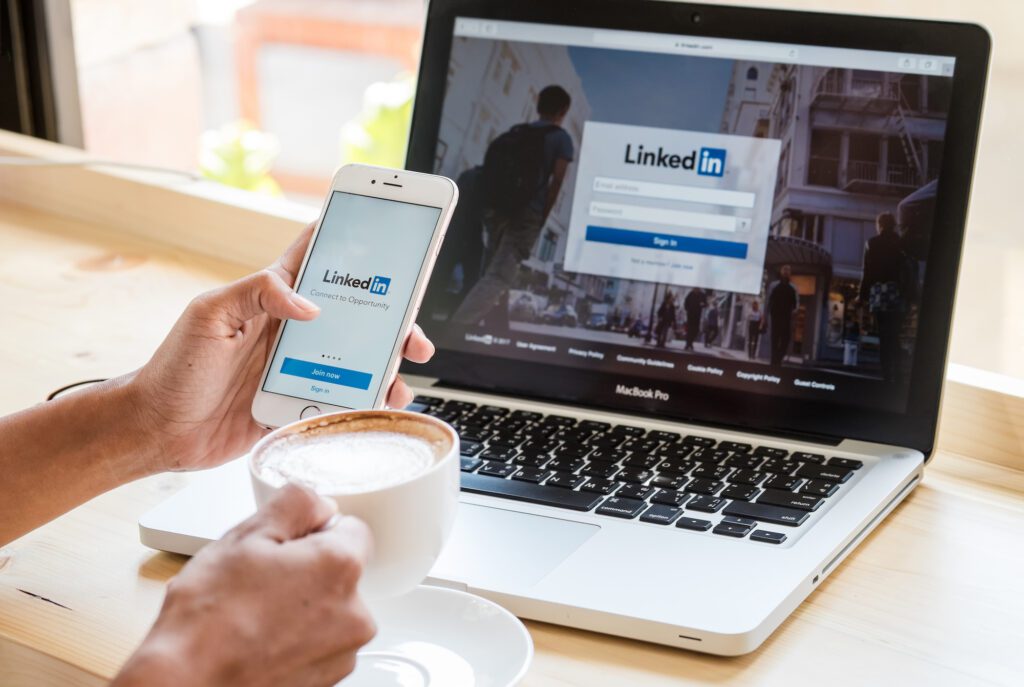
These days, the staff members of a company, from the CEO to the recruiters, represent the company’s brand and reputation. PRNEWS recently reported that in a crisis, employees (29%) are regarded as the most trusted sources. But what happens when the people claiming to work for a company never did? LinkedIn was on it, and it recently updated features for verified admins of Company Pages to allow them to remove impostor accounts from the search results of the company name.
Impersonation Is a Reputation Problem, Not Just a Security One
By impersonating a legitimate employee, a con artist leverages the company name to instill confidence in potential clients. One example is a bogus recruiter who charges candidates to “train” them. Other examples include the phony “sales representative” who defrauds clients by invoicing them and the fake “spokesperson” who gives a legitimate company representative a quote to be published. An invoice may use a different business name from the one on the sender’s profile, making business registration records a useful starting point for checking the connection. The company itself still needs to confirm that the person represents it.
When the company becomes aware of this situation it normally has its security team investigate the issue. While this is ongoing, the comms team is extending apologies to the clients and candidates who fell victim to this scam. According to the FTC, people reported losing $3.5 billion to impostor scams in 2025, nearly triple the amount lost in 2020.
What LinkedIn's New Controls Do
LinkedIn introduced three tools to improve trust on its platform. Verified Page admins can remove known impostors, while a pilot with selected companies requires workplace verification to link a profile to a Company Page. Another test lets colleagues verify work history, with a badge awarded after enough confirmations.
LinkedIn also reports more than 115 million verified members. According to the company, verified members receive 50% more post engagement.
Three Steps for Comms Teams
- Get the Page verified and own the admin role. Removal works only on verified Pages, and Social Media Today notes that verification usually means a Premium Company Page or an advertising relationship with LinkedIn. To check, go to your settings and see if the Page is verified. Once you have determined the status, go to the Page admin settings and add the people in comms who will be admins. Add a backup as well.
- Report, then remove. Removing the profile from listings doesn’t delete it from the site. You need to report it first and keep records. When reporting it, keep a log with a case number, time stamp, the profile URL, a screenshot of the profile as it appeared when you reported it and the reason for the report (i.e., impersonation).
- Add it to crisis management plans. Enhance impostor checks when performing executive and spokesperson monitoring. Update your “lookalikes” list and distribution list after communications. Decide who in HR will be notified of faux recruiters, who in legal handles cease-and-desist letters, takedowns, and other liability concerns, and who in security will be notified of phishing concerns. Prepare a short public statement about your organization’s response to concerns, and a communication to job candidates addressing concerns about your organization.
What the Tool Won't Do
The removal tool doesn't delete impostor profiles, and verification won't stop scammers from creating new ones. In fact, Malwarebytes says verification "is a useful signal, not a guarantee."
Credibility starts with helping audiences identify who genuinely represents your organization. Managing that list was once seen as a security task, but it is now a matter of reputation management that comms teams should take ownership of.
Mike Hakob is Founder and CEO of Andava Digital and Formstory.io.